Current revision at the workstation
Use one latest QR per station so auditors and operators see the current released instruction at point of use.
For ISO 9001 teams, the hard part is not writing the procedure. It is proving the workstation opened the current controlled instruction and that obsolete copies stayed out of use.
Use one latest QR per station so auditors and operators see the current released instruction at point of use.
Show who released the revision, when it was published, and when it became effective.
Keep anonymous delivery for low-risk instructions and turn on Operator ID + PIN only for evidence-heavy cases.
For work instructions, ISO 9001 clause 7.5 usually turns into a few practical checks: the current revision is available at point of use, changes are identifiable, superseded versions are kept out of normal use, and the history is easy to show during a floor walk.
Document detail, approval, scheduled release, controlled register, audit evidence, and QR delivery.
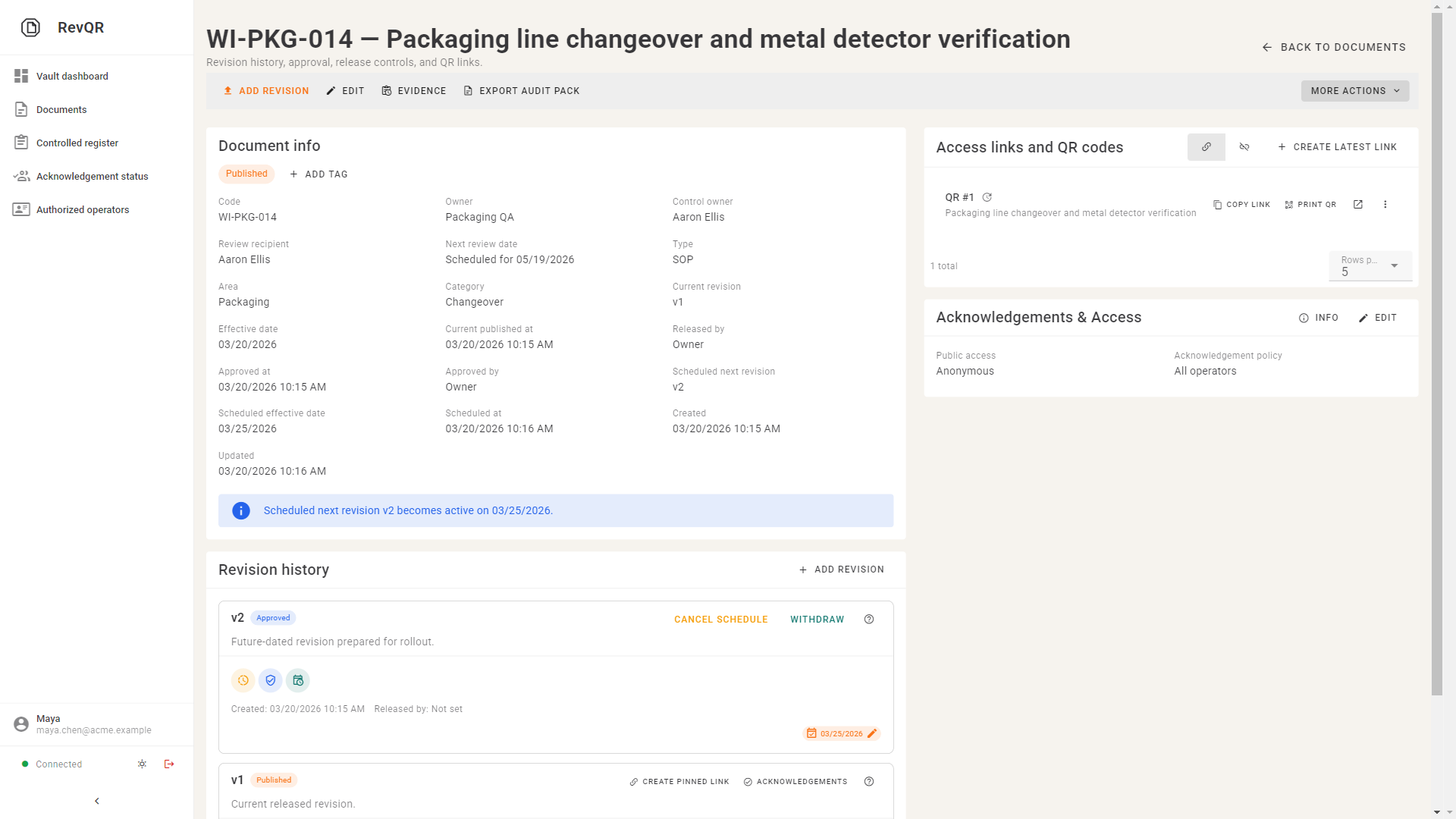
Review owner, current revision, effective date, and release trace from one screen.
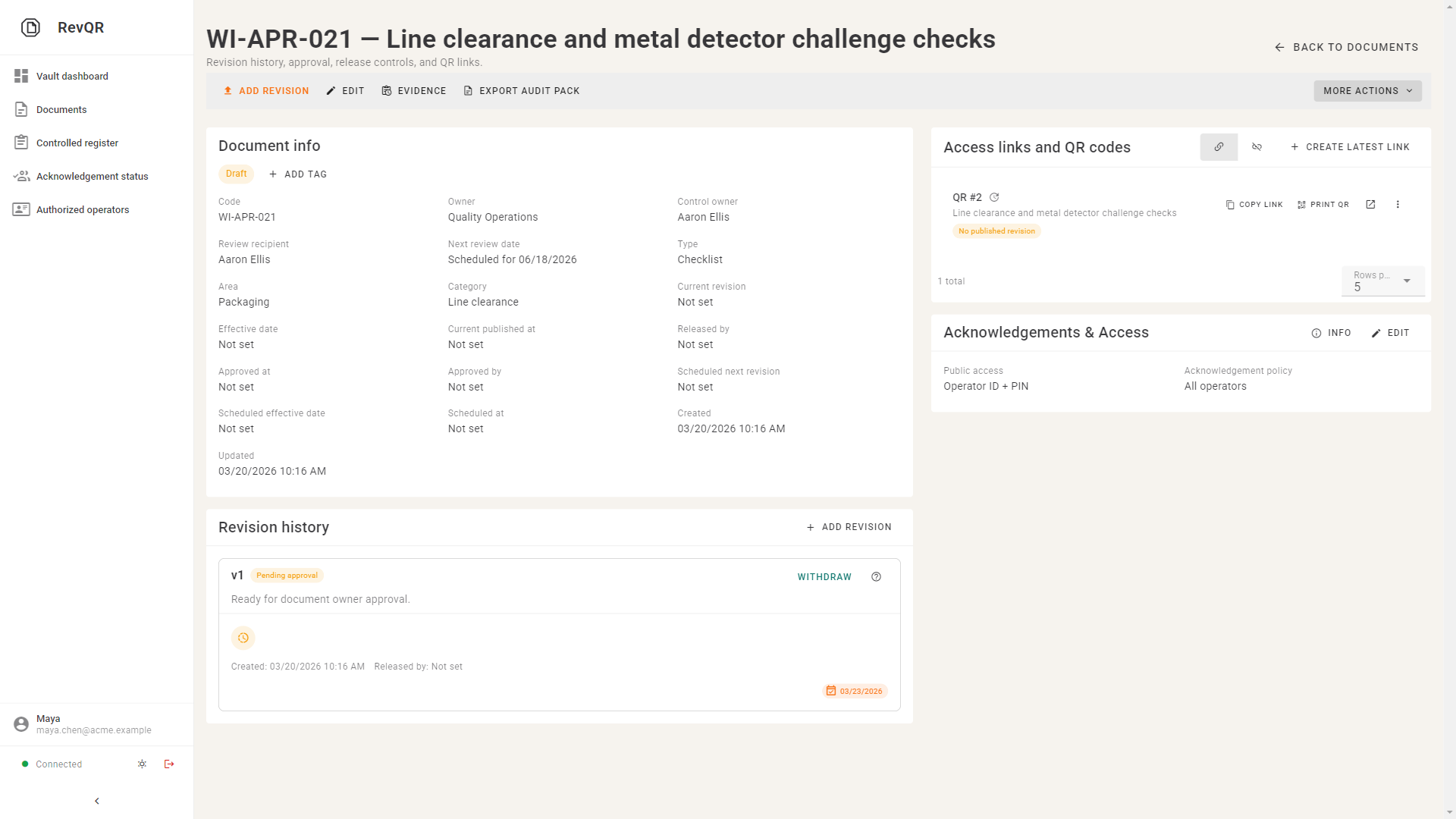
Drafts move through approval before they become the current workstation instruction.
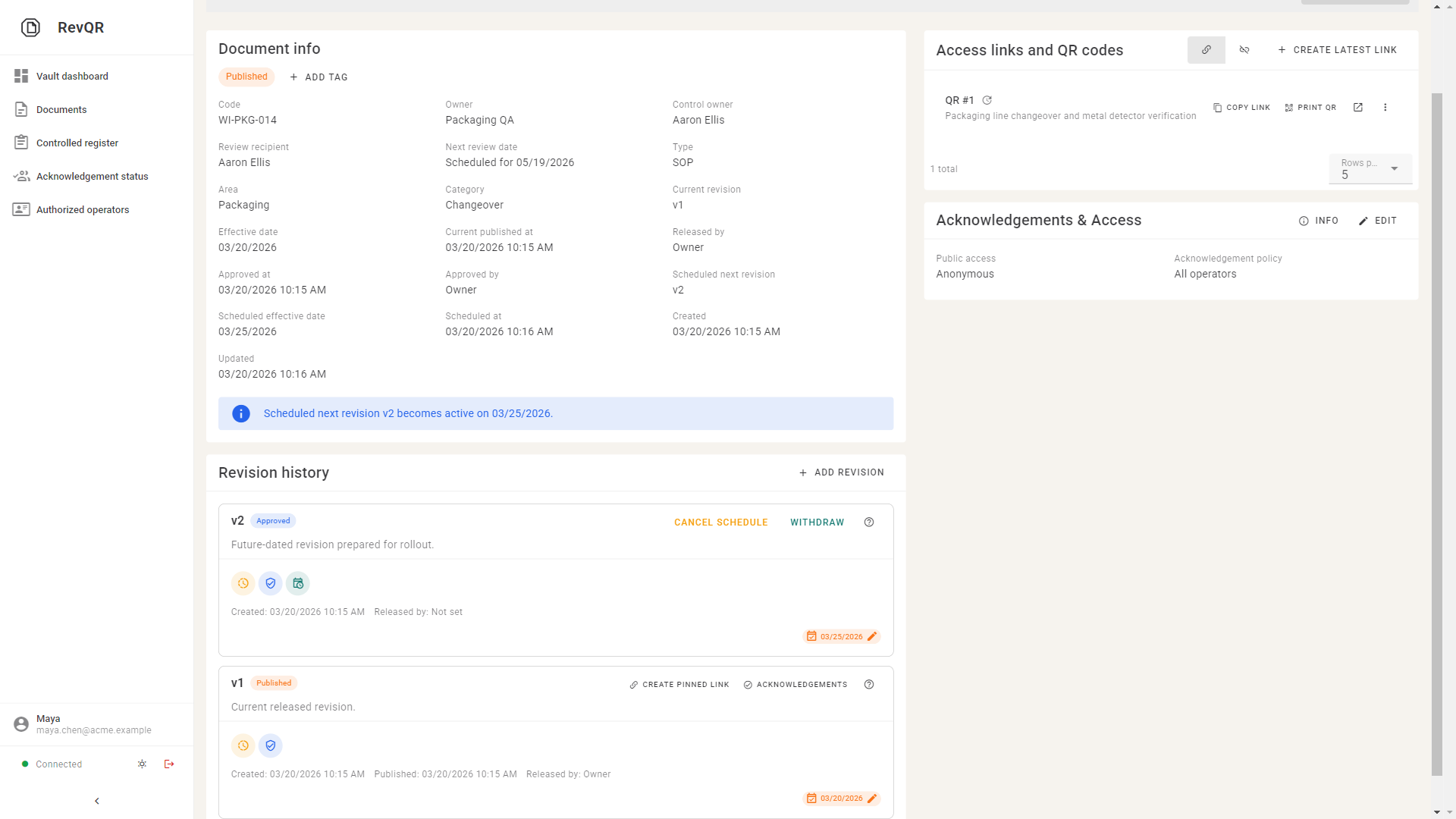
Approve now, release on the effective date, and keep the next revision visible.
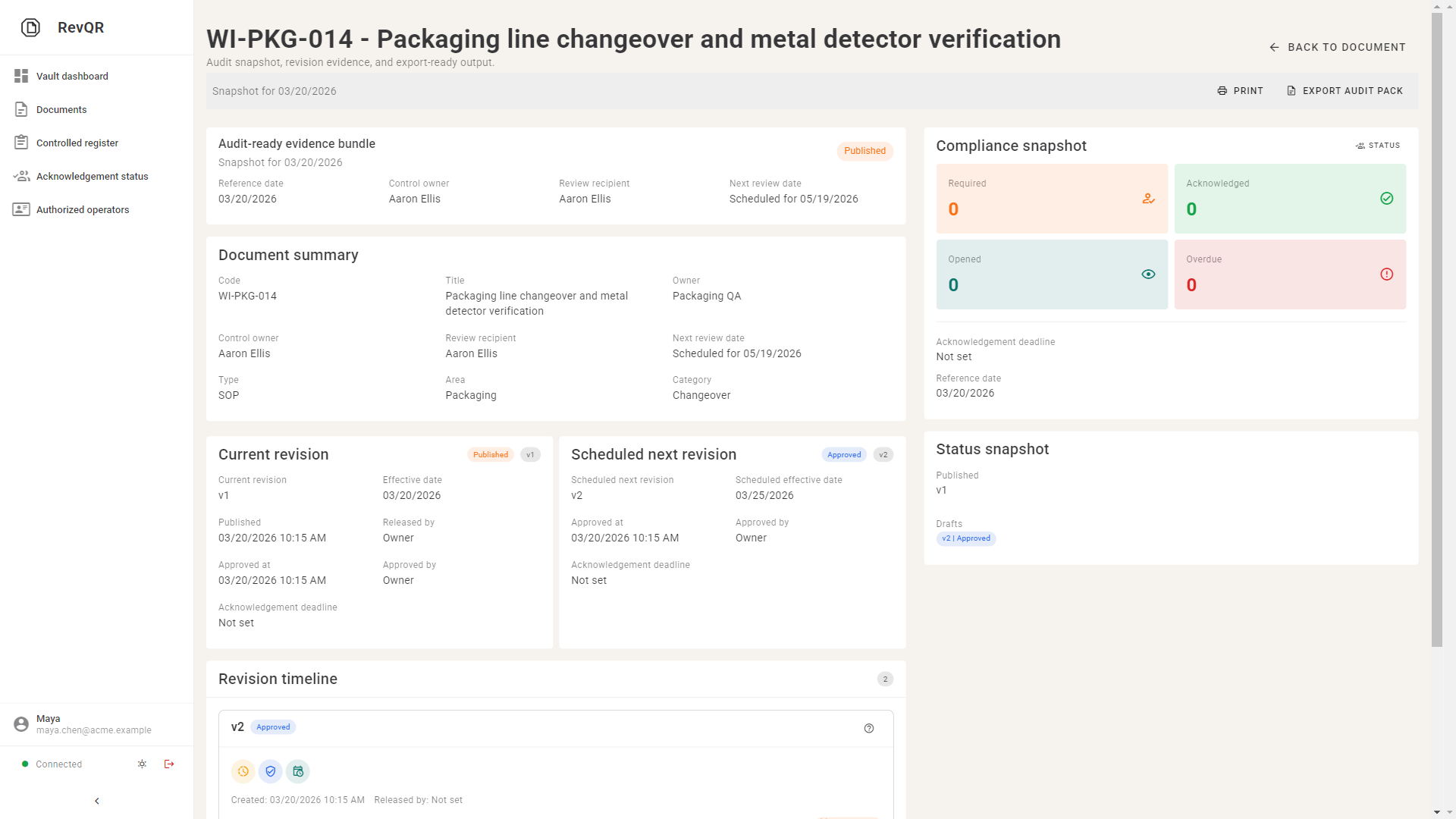
Open the evidence snapshot and export an audit pack with current and scheduled context.
The strongest positioning is not "simple QMS". It is audit-ready control of work instructions at point of use.
Manufacturing teams that need stronger ISO document control without a long QMS implementation.
Some instructions only need the current revision at point of use. Others also need a named record that an operator opened or acknowledged the released revision. RevQR lets you make that decision document by document.
Programs that expect CAPA, supplier quality, training management, or PLM in the same tool.
Tell us where outdated instructions still appear, which stations matter first, and whether named acknowledgement is really needed.
Scope the pilot to one released instruction, one QR poster, and one real station before widening the rollout.
Focus on current revision, release history, effective date, and named acknowledgement only where the process requires it.
A small pilot is enough to test operator access, supervisor evidence, and audit-floor confidence.
We use this to shape the first line, first document family, and first proof point.